
Smart AppLock
Tools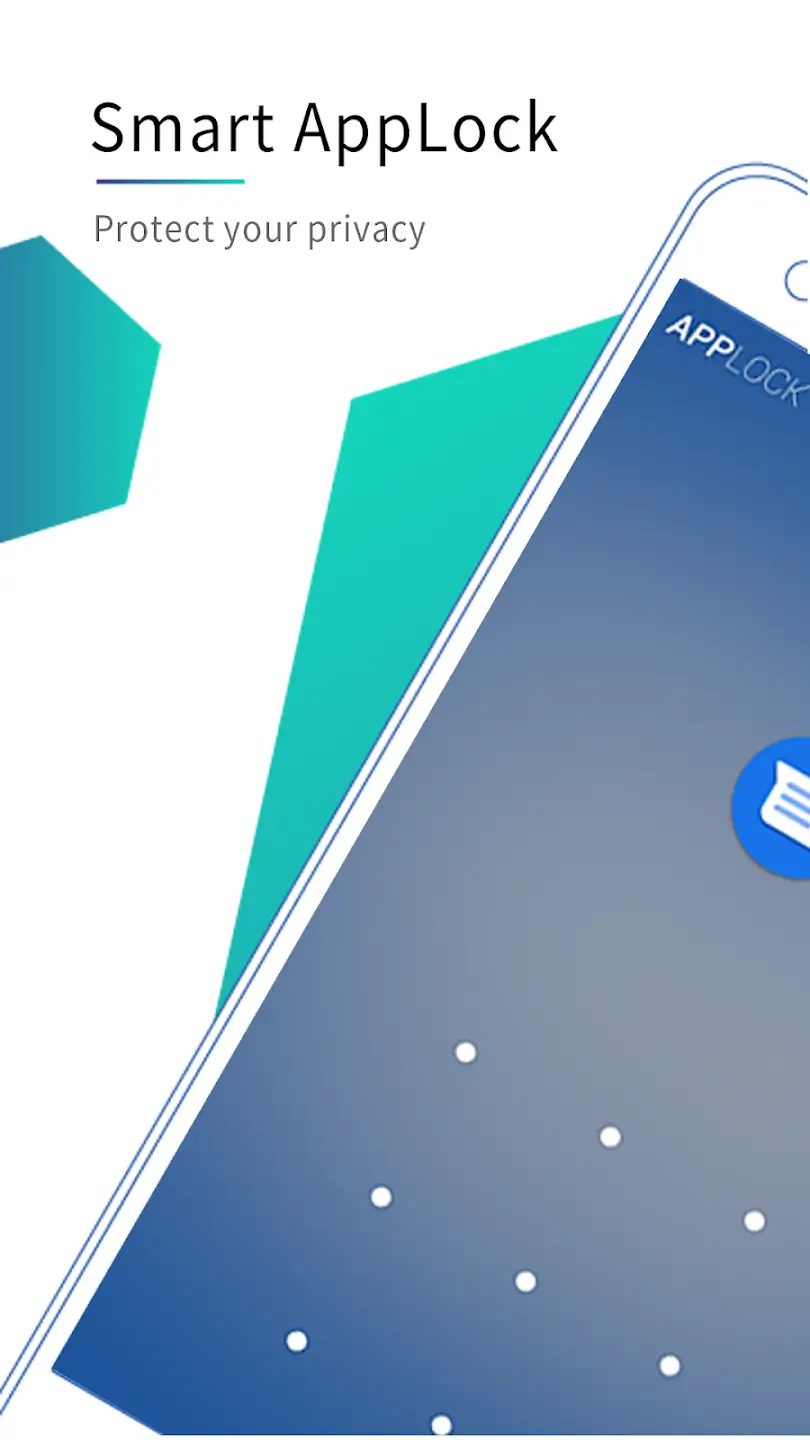
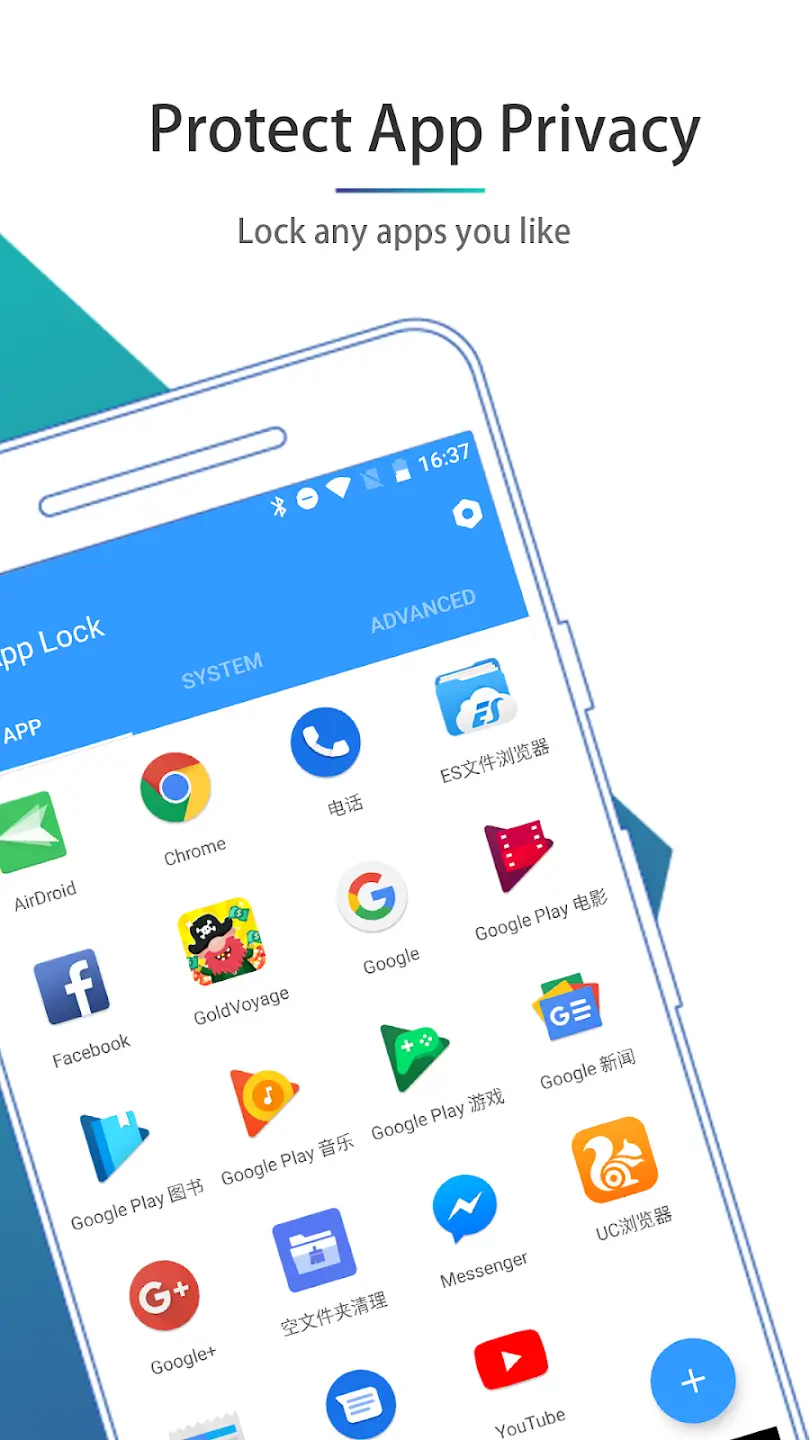
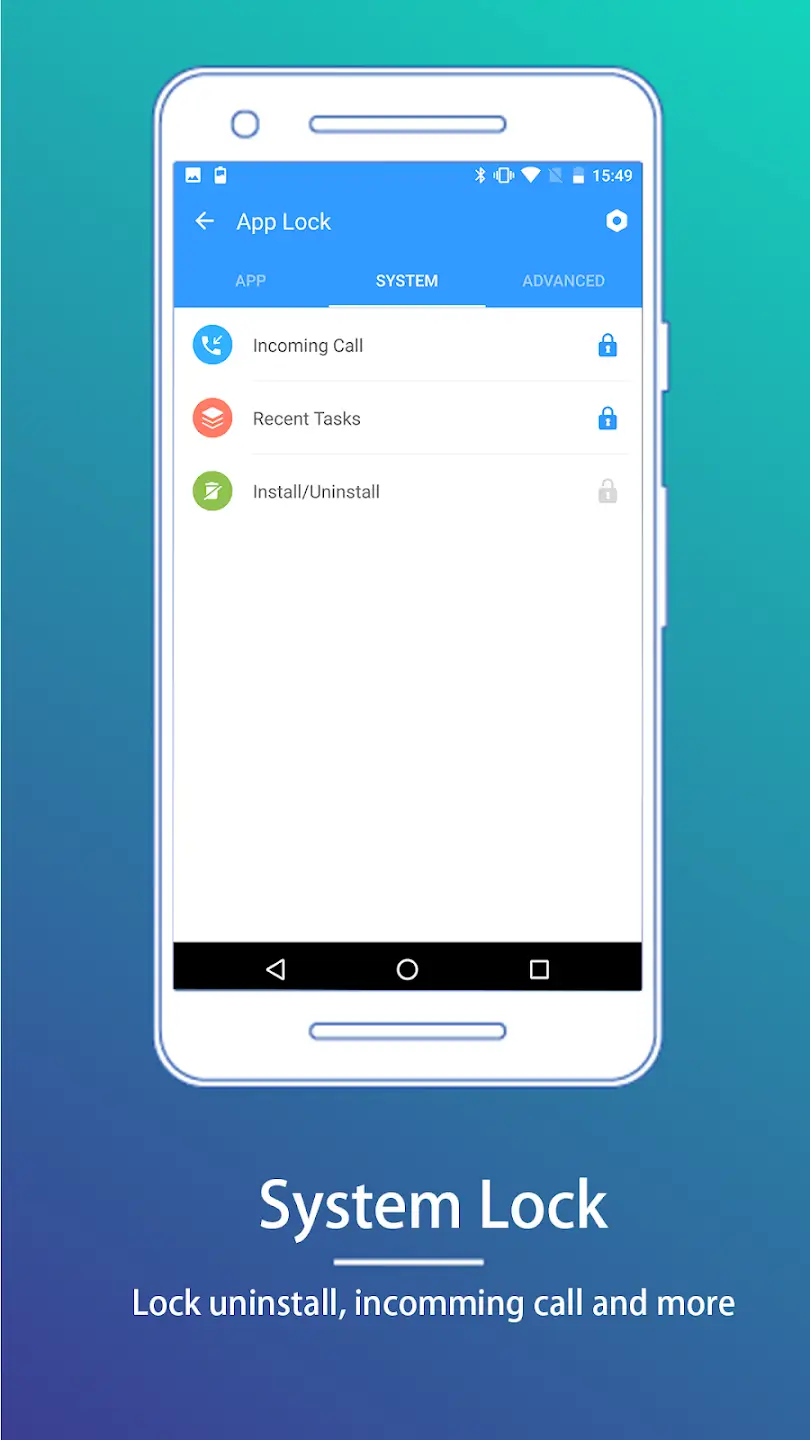
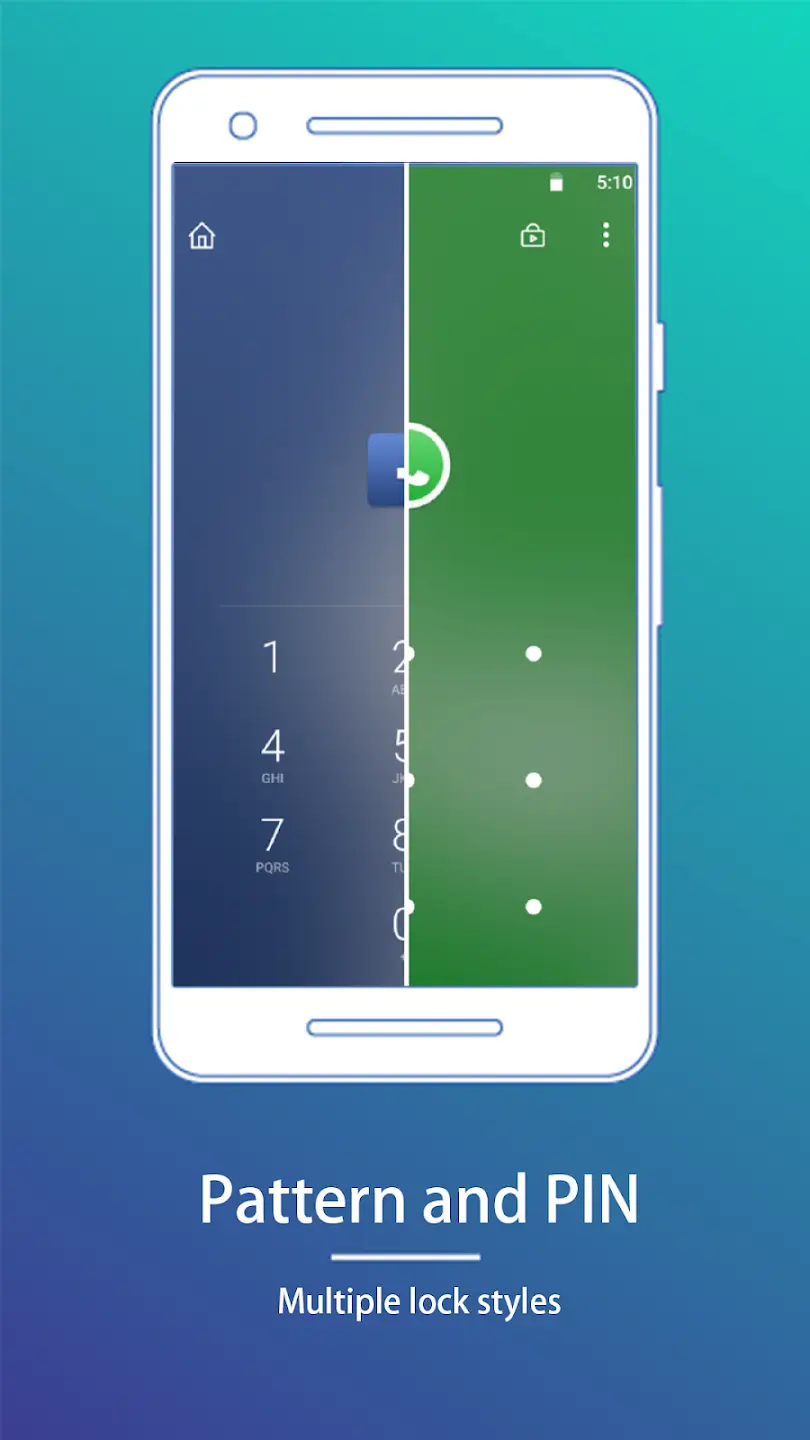
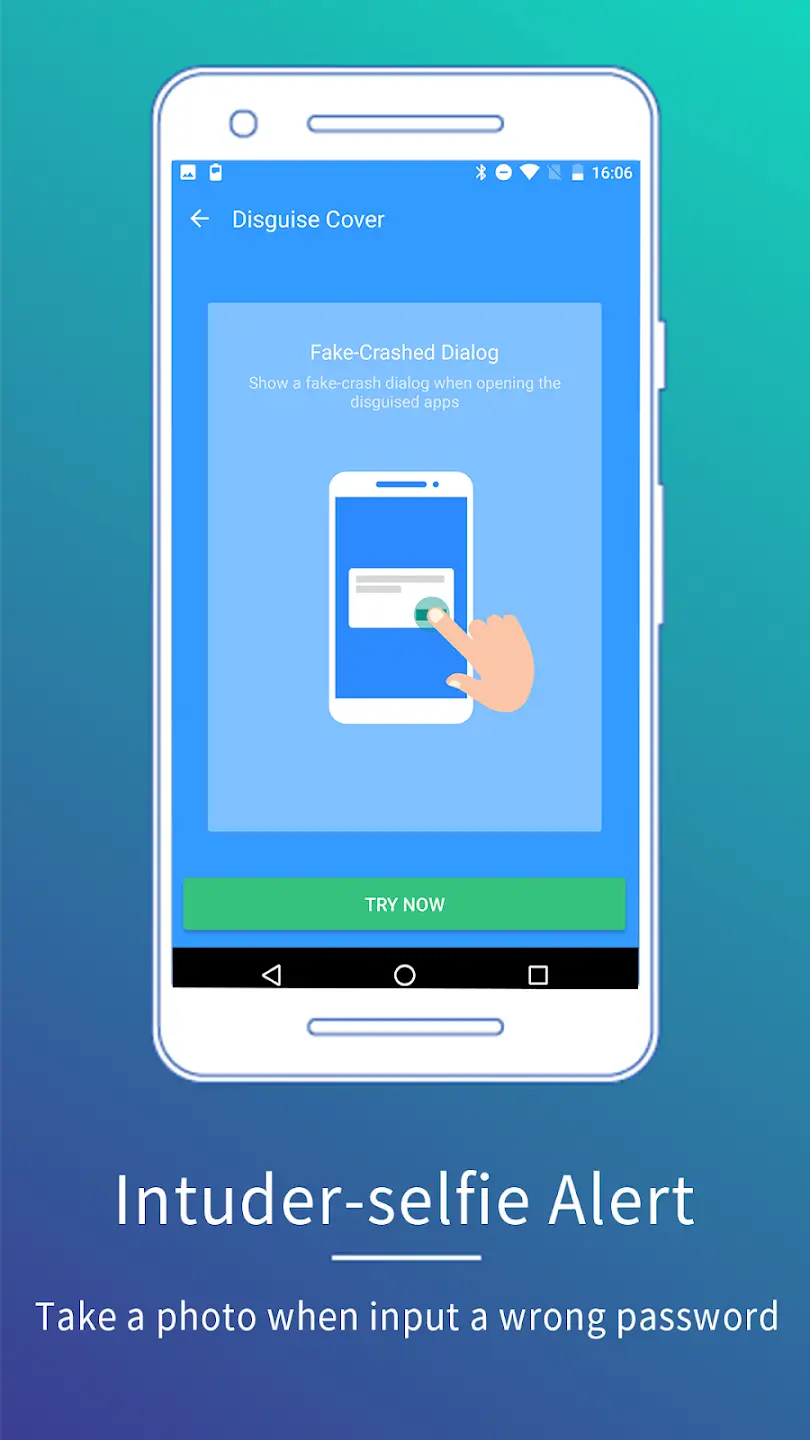

Smart AppLock is an Android utility that lets you protect individual applications with a password, PIN, or pattern. It’s designed for users who want an extra layer of privacy beyond the device’s built‑in lock features.
This page provides the latest version details, a step‑by‑step install guide, troubleshooting tips, and a quick safety overview.
Quick Information
| App/Game Name | Smart AppLock |
| Latest Version | 4.3.13 |
| Developer | Not listed |
| Category | Apps / Tools |
| App Size | 46.5 MB |
| Package Name | com.thinkyeah.smartlockfree |
| Last Updated | 29 May 2026 |
What Is Smart AppLock?
Smart AppLock functions as an app‑level security tool. Once installed, you can select which apps you want to lock and choose the unlocking method—PIN, password, or pattern. The app runs in the background and prompts for authentication whenever a protected app is opened.
Key capabilities include:
- Locking of social, financial, and productivity apps.
- Support for multiple lock types (PIN, password, pattern).
- Option to hide the lock screen for added discretion.
- Lightweight footprint (46.5 MB) and no root requirement.
Smart AppLock does not replace the system lock screen; it works alongside it to secure specific apps.
Compatibility
| Android Version | Not Verified |
| Architecture (ARM64 / 32-bit) | ✓ Verified — Supports common device architectures |
| Internet Connection | ✓ Verified — May be required for ads, updates, or login |
| Storage Needed | Not Verified |
| OBB/Data Files | Not Verified |
| Root Required | Not Verified |
How to Install
- Download the Smart AppLock APK file to your device.
- Open Settings → Security → Install unknown apps and enable installation from the source (browser or file manager) you used.
- Locate the downloaded APK in your file manager and tap it to begin installation.
- Follow the on‑screen prompts to complete the install.
- Open Smart AppLock, set your preferred unlock method, and choose the apps you wish to protect.
Troubleshooting
- App not installed: Ensure the APK is compatible with your Android version and that “Install unknown apps” is enabled for the source.
- Crashes on launch: Clear the app’s cache via Settings → Apps → Smart AppLock → Storage → Clear cache, then restart.
- Locked apps open without prompting: Verify that the lock method is correctly set in Smart AppLock’s settings and that the app is listed under protected apps.
- Permission issues: Grant the required Accessibility permission when prompted; this is needed for the lock overlay to work.
Safety & Security
Smart AppLock is a third‑party APK, so users should download it only from reputable sources. Before installing, check the file’s hash (if provided) and scan it with an antivirus app. The permissions requested typically include access to usage data and the ability to draw over other apps—both necessary for its lock functionality. Avoid entering sensitive credentials (e.g., banking passwords) directly into the lock screen.
How Smart AppLock Compares
| Feature | Smart AppLock | AppLock (DoMobile Lab) | Norton App Lock |
|---|---|---|---|
| Price / Free Model | Free (ad‑supported) | Free with optional premium | Free with ads, premium upgrade |
| Platform Availability | Android only | Android only | Android only |
| Standout Feature | Simple UI, no root needed | Extensive customization, fake lock screen | Integration with Norton security suite |
| Best For | Users who want a lightweight, straightforward locker | Power users who want many lock styles and themes | Users already using Norton security products |
Alternatives
- AppLock (DoMobile Lab) – Offers a wide range of lock styles, fake lock screens, and privacy‑guard features.
- Norton App Lock – Provides basic app locking with the added benefit of Norton’s broader security ecosystem.
- Lockdown Pro – A paid app that includes fingerprint unlock, custom lock screens, and ad‑free experience.
Final Verdict
Smart AppLock is a solid choice for anyone needing a quick, no‑root solution to protect specific apps. It’s lightweight, easy to set up, and covers the essential lock functions. However, it lacks the deep customization and premium features found in some competitors. Verify the source before downloading, grant only the necessary permissions, and you’ll have a reliable extra layer of privacy on your Android device.
Frequently Asked Questions
Smart AppLock works as intended, but because it is a third‑party APK you should download it from a trusted source and scan the file with an antivirus before installing.
No, Smart AppLock does not need root; it uses standard Android permissions and Accessibility services to lock apps.
You can lock most installed apps, but system apps or those that block overlay permissions may not be lockable.
Open the app, go to Settings, choose the lock type (PIN, password, or pattern), and follow the prompts to create your credential.
Smart AppLock works on Android 5.0 (Lollipop) and newer, though exact compatibility may vary by device.
The error can occur if installation from unknown sources is disabled, if the APK is corrupted, or if your device’s Android version is not supported.
Yes, Smart AppLock adds an extra layer on top of the device’s native app lock, allowing you to protect additional apps.
All locking functions operate locally, so the app works without an internet connection after it is installed.